
Rooms and levels
Straight, curved, half and sloped walls; rooms found automatically; levels and basements; stairs, ladders, railings, sunken and raised floors, voids and glass floors; a symmetric interior drawn once and mirrored.
Modlo Creator builds GTA V and FiveM interiors (MLOs) without Blender. You draw walls on a grid, enclosed areas become rooms, doors and windows go into the walls, and floors, ceilings, trims, stairs, railings, lights and props are added in the same view. Export writes a complete FiveM resource, ready to drop into your server.
Modlo Creator runs on Windows 10 and 11, and on Linux as a beta (see Installation and setup).
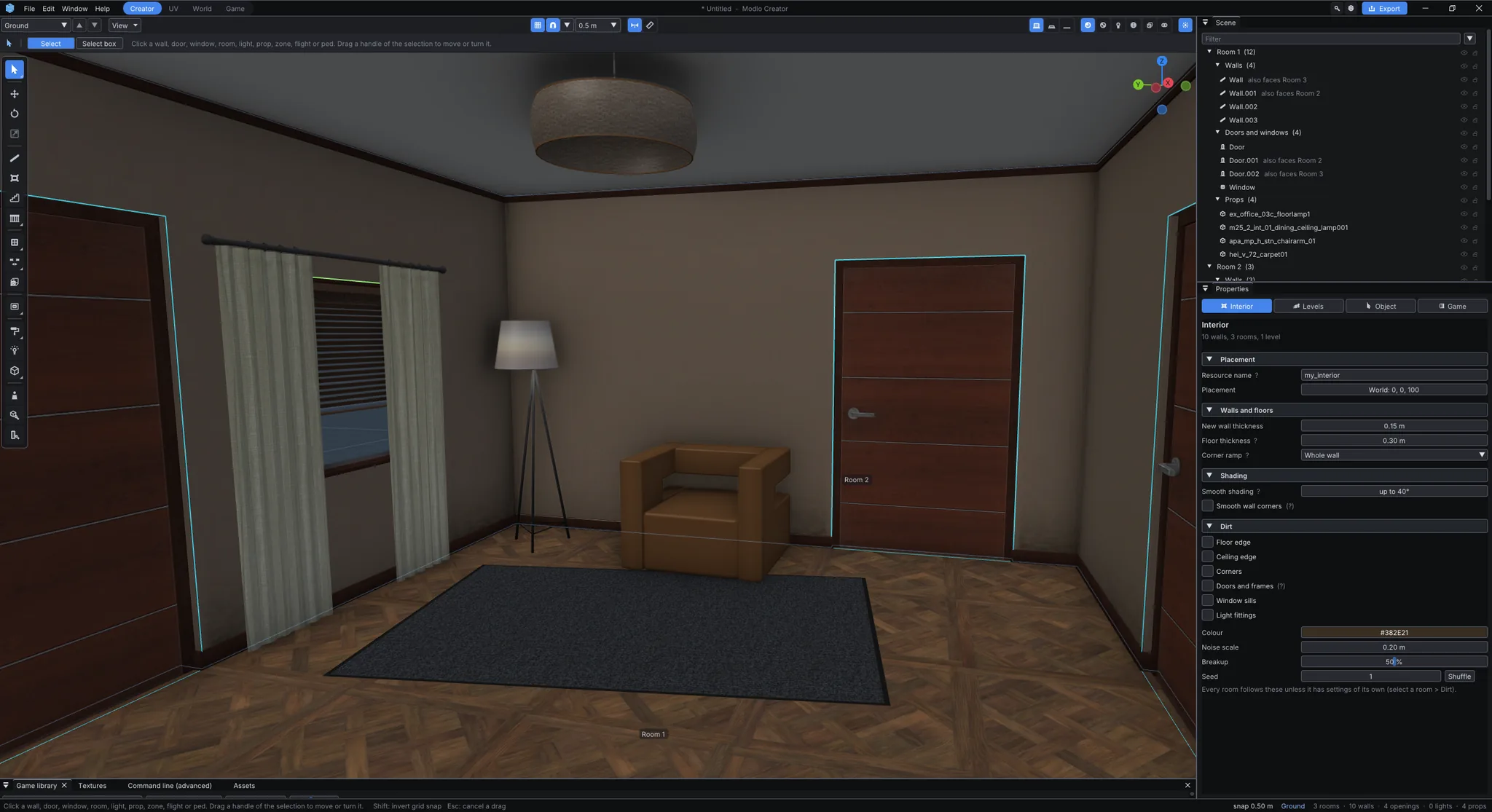
You never touch a game file by hand. One export writes:
fxmanifest.lua, so the folder is a resource your server can start.The resource is for GTA V Legacy, GTA V Enhanced, or both at once (see Exporting to FiveM). It can also write glTF (for Blender or any 3D tool) and CodeWalker XML (for Sollumz or CodeWalker) when you want to take a model further somewhere else.
Rooms and levels
Straight, curved, half and sloped walls; rooms found automatically; levels and basements; stairs, ladders, railings, sunken and raised floors, voids and glass floors; a symmetric interior drawn once and mirrored.
Doors and windows
Doors, windows and wall cuts in round, arched and square shapes, with frames, glass, curtains and blinds; the game’s own door models or doors you design yourself.
Furnishing
About 25,000 of the game’s props in a searchable library, lights, particle effects, sounds, materials from the game’s 261,000 textures or your own, trims, dirt and decals.
Inside the map
Put an interior inside an existing building of the map, lay its shell out from the building’s own walls, cut its doors and windows through the building, or connect it with a teleport.